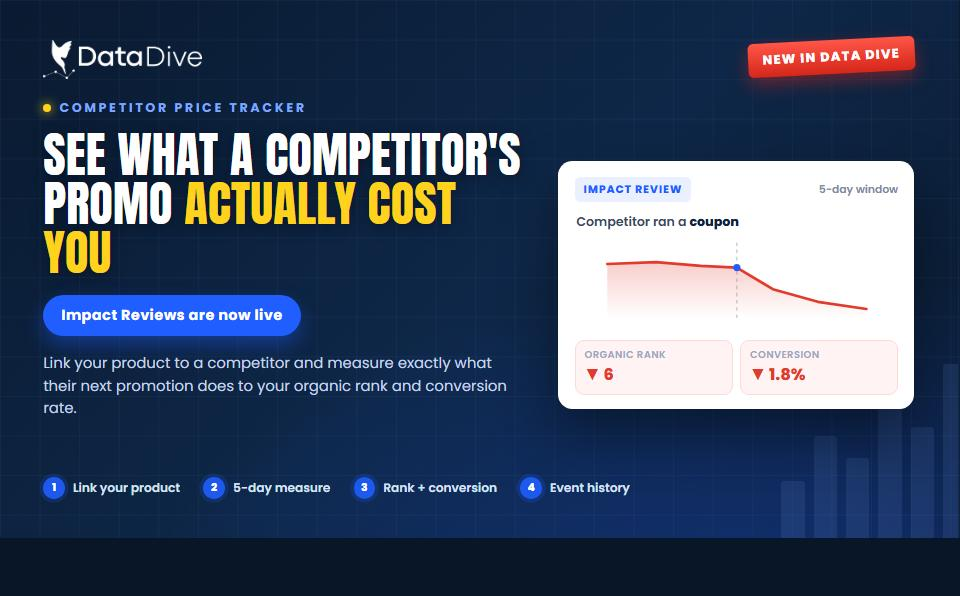
Data Dive’s Competitor Price Tracker Now Gives Impact Review What a Competitor’s Promo Actually Cost You
Your rank slipped last Tuesday. Was that something you did, or something a competitor did? Until now, Competitor Price Tracker could tell

Amazon indexing alerts are now available inside Data Dive. When a product drops out of Amazon’s search index, it becomes invisible to shoppers — no impressions, no clicks, no sales. Every hour it stays hidden is lost revenue.
Every hour a listing stays hidden is lost revenue.
Most sellers have no way to know when this happens. Data Dive’s new Alerts feature changes that by monitoring your catalog and flagging indexing issues automatically, before they become revenue problems.
Indexing Alerts lives in the new Alerts tab on the Data Dive sidebar.
Inside the Alerts dashboard you can filter by time range (7, 14, or 30 days), search by product, and filter by Amazon connection or marketplace. Every alert card shows the date, ASIN, product image, and product title at a glance so you can prioritize without clicking into each one.

Click “View Details” on any alert and you get everything you need to diagnose and fix the problem:
You are never staring at a problem with no idea where to start. The system narrows the diagnosis so you can fix the issue and get your listing back in front of buyers.

Amazon’s search index controls whether a listing appears in results. When indexing drops, buyers searching for your keywords will never see your product. Common triggers include:
Without Amazon indexing alerts, sellers often go days or weeks without noticing. Organic ranking erodes, competitors absorb the traffic, and recovery takes far longer than the initial fix would have.
Indexing Alerts are available to all Data Dive users at no additional cost. To get started:
No separate tool to install. Amazon indexing alerts become part of your existing Data Dive workflow the moment Rank Radar is active on a product.
Indexing issues do not trigger notifications inside Seller Central and do not appear in standard sales reports until the damage is done. Data Dive’s Amazon indexing alerts give you the visibility to catch problems early, understand the root cause, and take action before rankings and sales deteriorate.
Whether you manage a small catalog or thousands of ASINs, Indexing Alerts is the safety net your listings deserve.
Your rank slipped last Tuesday. Was that something you did, or something a competitor did? Until now, Competitor Price Tracker could tell

Amazon caps product titles at 75 characters on July 27, 2026. Here’s the full change, why it matters, and the step-by-step fix using Data Dive.