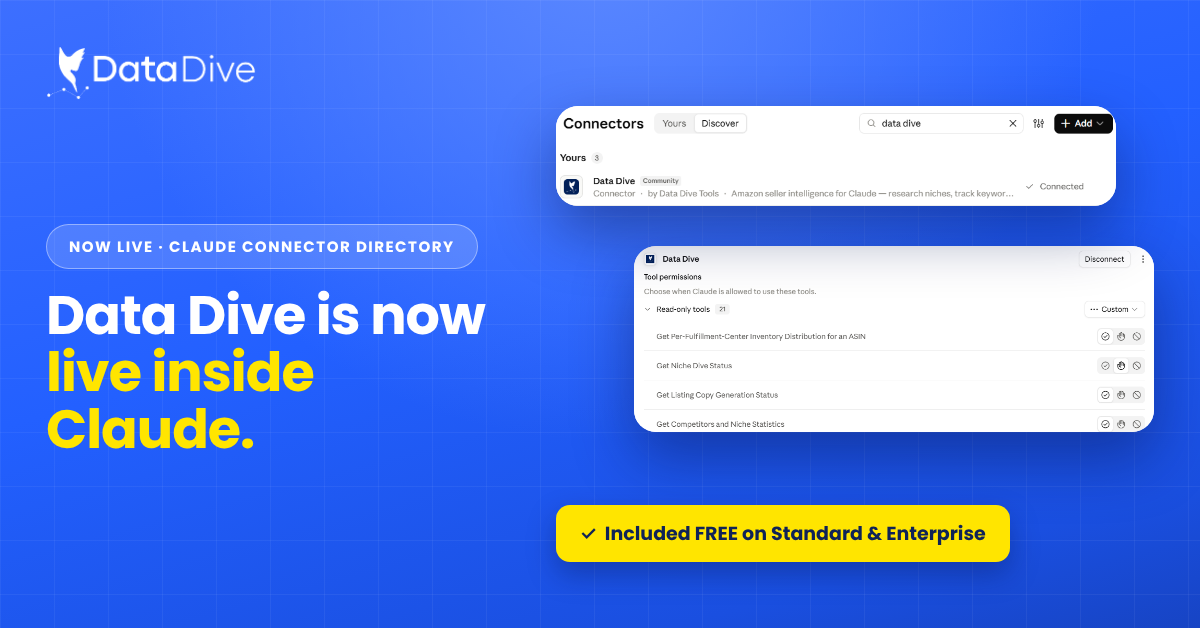
Data Dive MCP Connector Now Available in Claude Directory
Doral, Florida | October 14, 2026 Amazon sellers can now connect Data Dive with Claude and run research, ranking, listing, and monitoring
Quick answer: Data Dive now delivers its alerts — indexing issues, blind ad spend, competitor price changes — outside the platform through webhook integrations, starting with Slack. Setup takes about five minutes, requires no code, and means you know the moment something on your listings needs attention instead of whenever you next log in.
Data Dive has been watching your business for a while now. It flags when a keyword you’re targeting isn’t indexed, when ad spend is going to places that can’t convert, and when a competitor moves their price. That monitoring works around the clock.
But until now, there was a catch: the alerts lived inside Data Dive. If you weren’t logged in, you weren’t seeing them. A competitor could undercut you on Friday afternoon and you’d find out Monday morning — after a weekend of lost Buy Box traffic or margin you didn’t need to give away. According to Data Dive’s customer success team, getting alerts outside the platform has been one of the most requested features. It’s now live.
Data Dive alerts can now be pushed anywhere your team works through webhook integrations. The rollout starts with Slack, and because webhooks are an open standard, they also connect to your own custom tools and internal systems.
The practical effect is simple: the alert arrives where you already are, in real time. No dashboard checking, no login required, no delay between something happening on Amazon and you knowing about it.
A notification feature sounds like a small quality-of-life upgrade. For Amazon sellers, it’s closer to an operational change, for three reasons.
Speed is margin. Amazon doesn’t wait for you. Algorithms shift, competitors reprice, and listings drop out of index without warning. Every hour between an event and your response has a cost — wasted ad spend keeps spending, a price war keeps eroding, an unindexed keyword keeps converting for nobody. Real-time delivery compresses that gap from “whenever I next check” to minutes.
Your team sees it too. An alert in a shared Slack channel isn’t just faster — it’s visible to whoever can act on it. Your PPC manager sees the blind-spend flag, your account manager sees the competitor price move, and nobody is the single point of failure who happened to be logged in.
It turns monitoring into workflow. Once alerts flow into Slack or your own tools, they can slot into how your team already operates — threads, assignments, escalations. The data stops being something you go look at and becomes something that comes to you with a next action attached.
No code and no technical background needed — just two browser tabs and a Slack channel where you want the alerts to land.
Your existing alerts are already working; this just changes where they reach you. Once connected, they’ll show up in your chosen channel from that point on.
Data Dive monitors your listings for indexing issues, blind ad spend, and competitor price changes, among other events, and sends an alert when something needs your attention.
The webhook rollout starts with Slack. Because webhooks are an open standard, alerts can also be routed into custom tools and internal systems your team has built.
No. Setup is about five minutes, no code, guided by a step-by-step tutorial — two browser tabs and a Slack channel are all you need.
No. Alerts you’ve already configured keep working; the integration only changes where they’re delivered.
Monitoring you don’t see in time is just record-keeping. By pushing alerts into Slack and your own tools the moment they fire, Data Dive closes the gap between “something happened” and “we’re on it” — which, on a marketplace that moves as fast as Amazon, is the difference between reacting and absorbing the cost.
If you’re already a Data Dive user, set up your first integration under Account → Integrations. If you’re not, this is a good week to change that.
Feature availability and setup steps may change; see the video tutorial for the current walkthrough.
Doral, Florida | October 14, 2026 Amazon sellers can now connect Data Dive with Claude and run research, ranking, listing, and monitoring
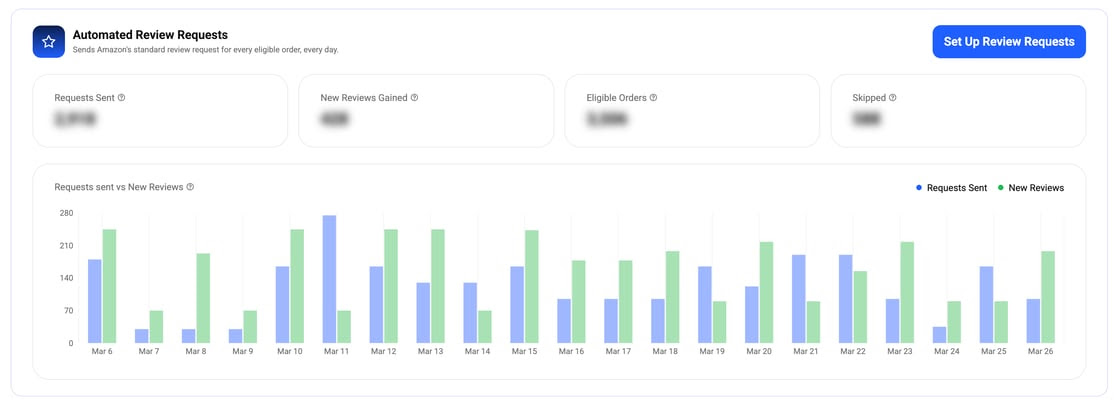
Data Dive now sends Amazon’s standard review request automatically for every eligible order. Pick your products, set your timing, and track results in one dashboard.